GOOD PRINTS START WITH GOOD PHOTOS
How to get sharp, high-quality photo prints.
High-quality photo prints start with a clear original and a thoughtful crop. A few checks before ordering can make a real difference to the keepsake you receive.
Create your prints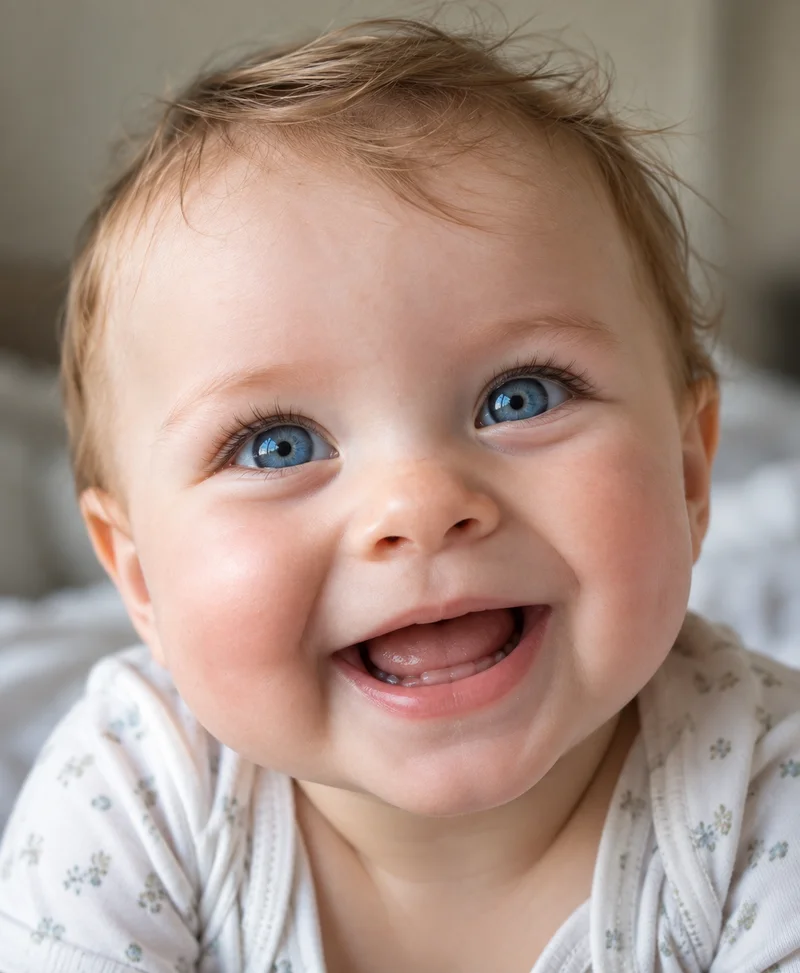
Use enough pixels for a 4×6 print
For 300 pixels per inch, a 4×6 print needs 1200 × 1800 pixels in portrait or 1800 × 1200 in landscape. This is a preparation target, not a guarantee that a blurry original will become sharp. The image must also be in focus and free of heavy compression.
Cropping removes pixels. A large original can become too small after a tight crop, so check the area that will actually print. Smaller images are accepted and resized to the selected product. A yellow quality notice lets you know they may look soft or pixelated; you can still continue. Ordinary resizing does not restore missing detail.
Keep faces and meaningful details inside the crop
The 3:2 shape of a 4×6 print is not the same as many phone photos. “Fill print” crops the image to fit the paper. Leave space around heads, hands and other details you want to keep, and inspect each preview.
“Fit whole photo” preserves the full image and adds white space as needed. It is useful for a group photo with people near the edges, an illustration, or any image where cropping would remove something important.
Expect a difference between a screen and paper
A screen shines light; a print reflects the light in your room. An image that looks bright on a phone at maximum brightness may look darker in print. Review it at a normal screen brightness and avoid relying on an HDR display effect.
Files are converted to an 8-bit sRGB JPEG for printing. Wide-gamut, HDR and CMYK colors can change during conversion, and transparent areas become white. Review the converted preview, while remembering that it cannot exactly reproduce the appearance of physical paper.
Choose a clean original, then review the result
Prefer an original camera file over a screenshot or a repeatedly saved copy. Check fine details such as eyes and hair for blur. Increasing pixel dimensions does not restore detail that was never captured.
JPEG, PNG, HEIC, TIFF and other supported image formats can be uploaded within the file limits. If a file cannot be read, export it to JPEG or PNG; renaming the extension does not convert it. Contact support with your order reference if delivered prints are damaged or incorrect.
Make room for your favorites.
Upload your photos and review your quote for U.S. delivery.
Start a photo print order